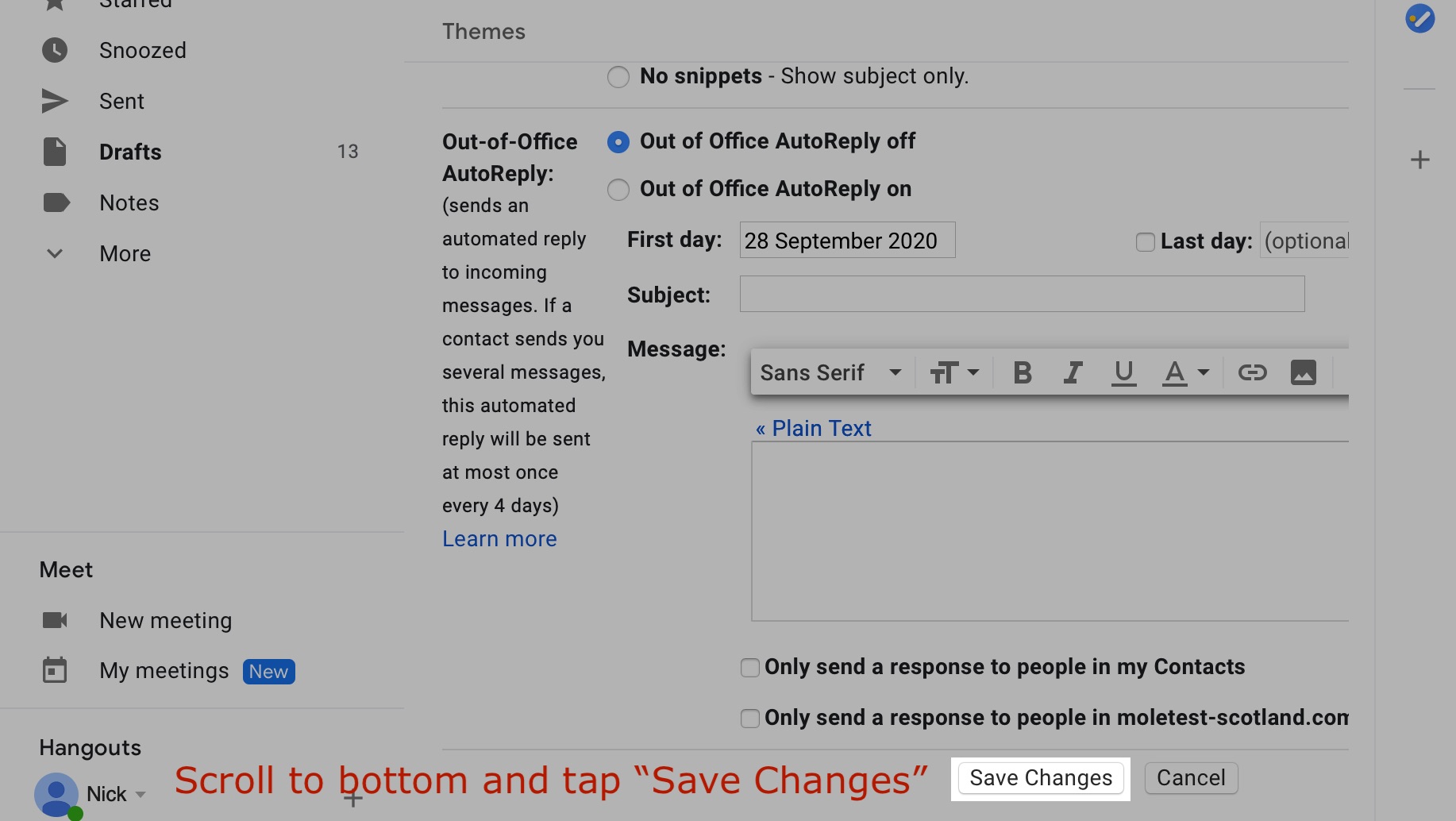
Add a signature to Google mail (Gmail) - web based email
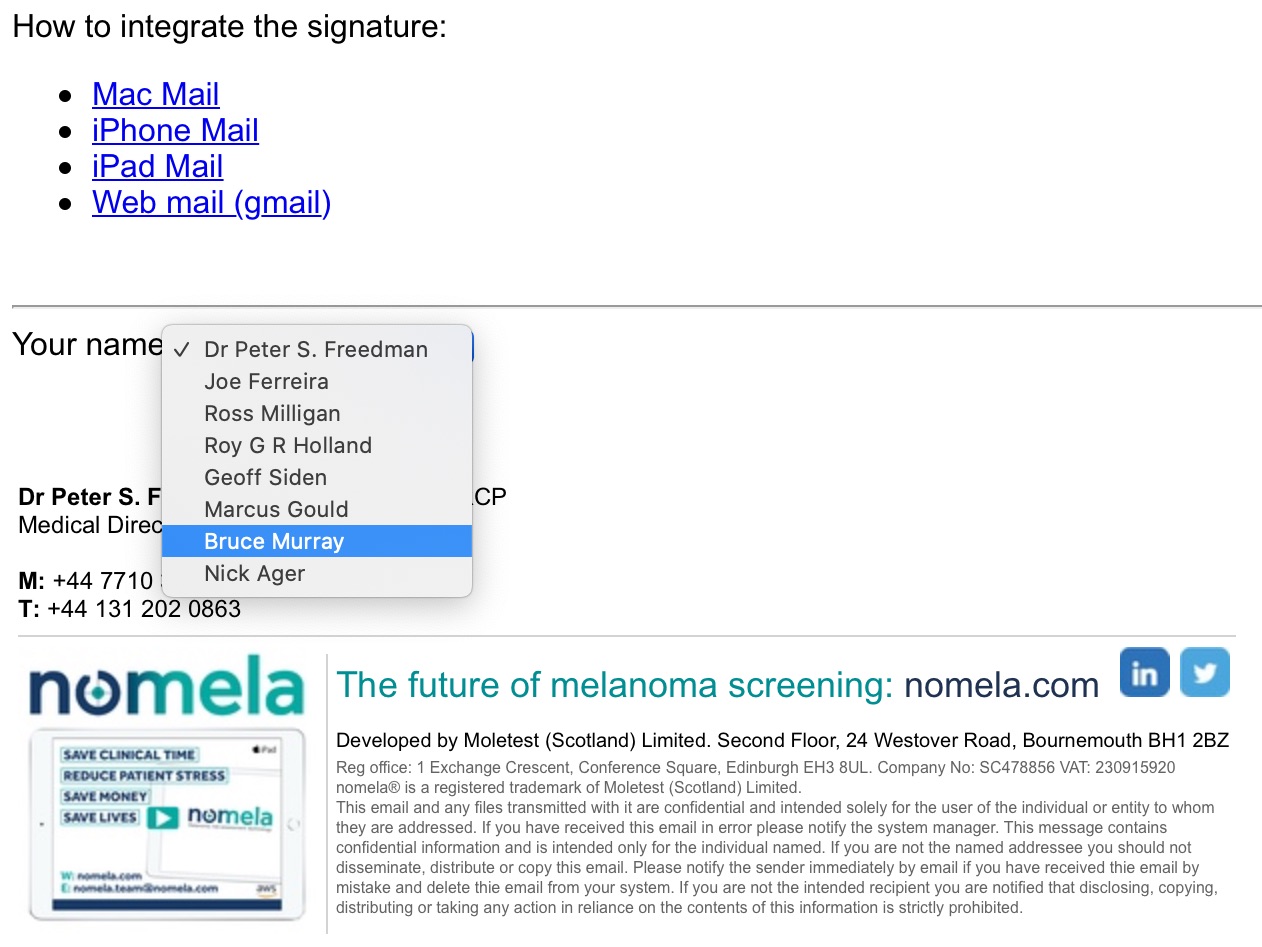
Step 1. Navigate to https://signature.nomela.com and choose your name:
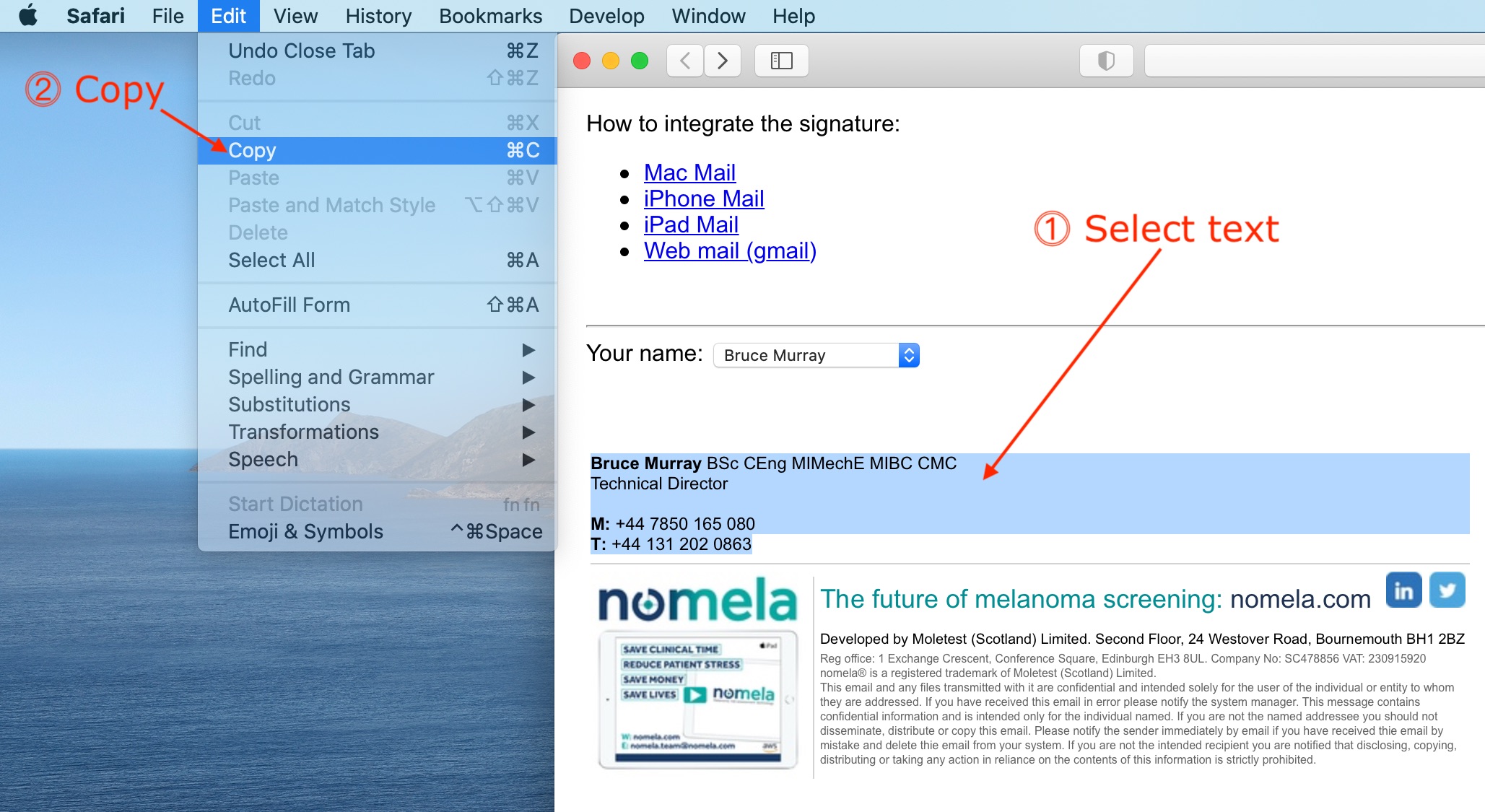
Step 2. Copy your signature:
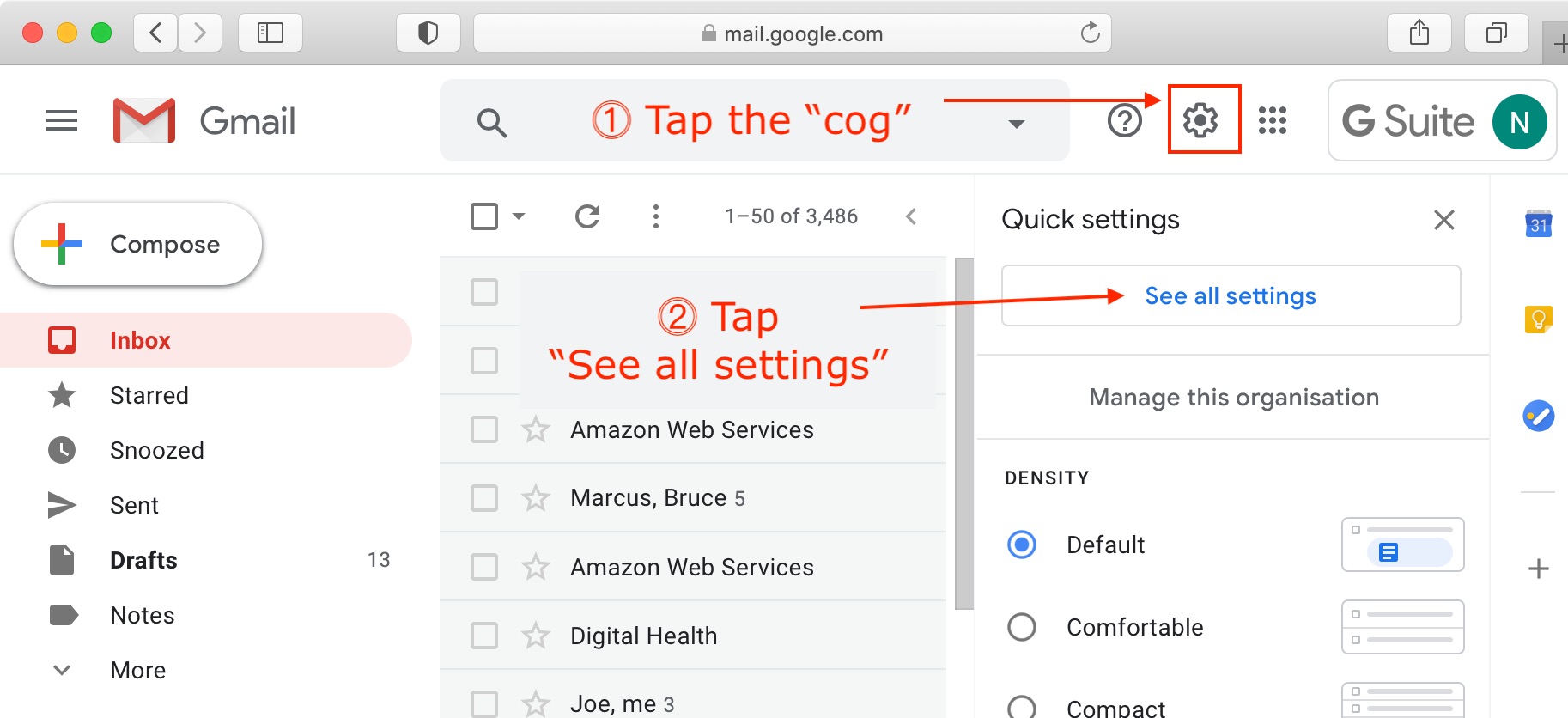
Step 3. Select the settings "gear" icon from within gmail.com:
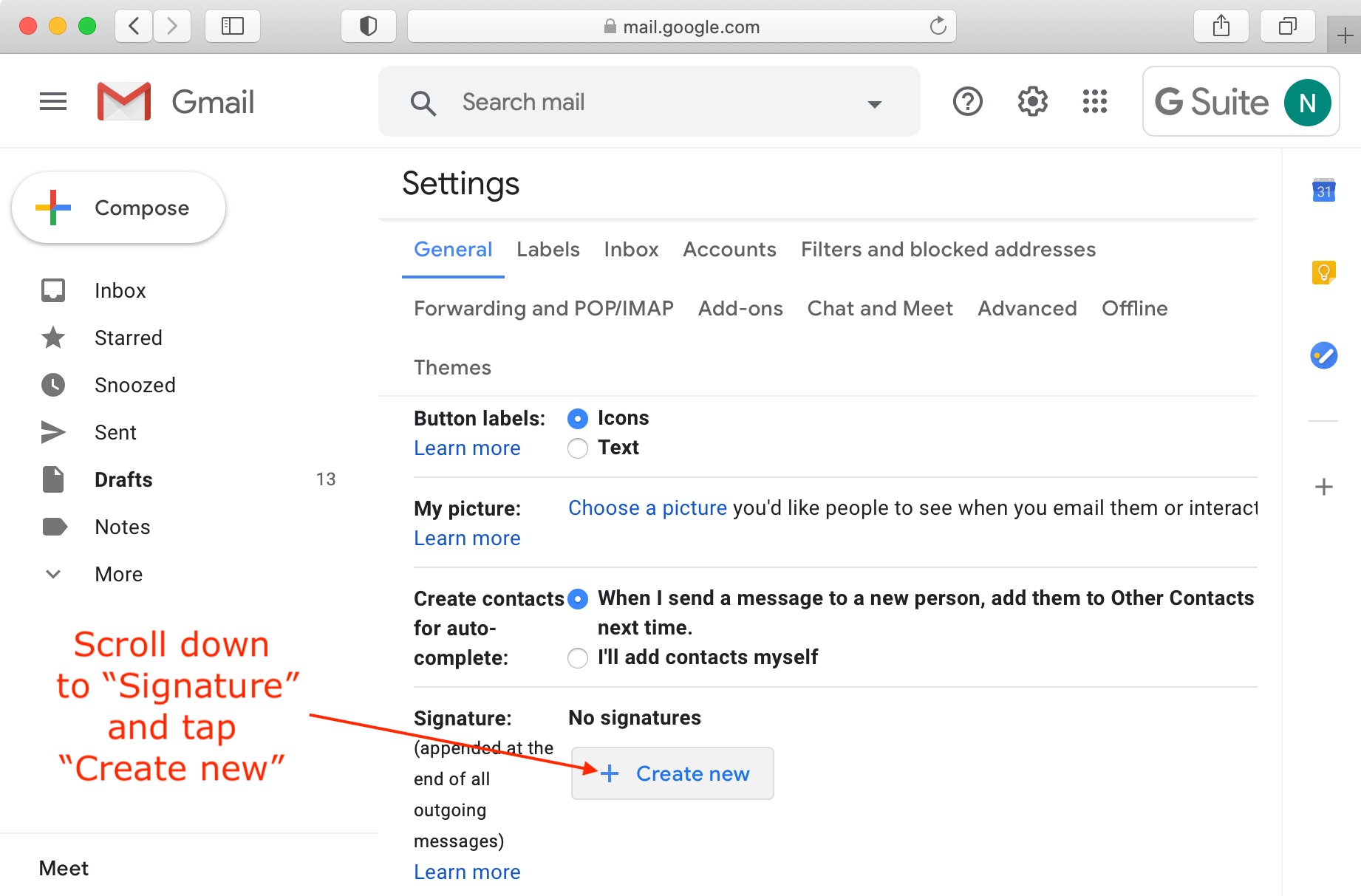
Step 4. Scroll down within settings to signature and tap "Create new":
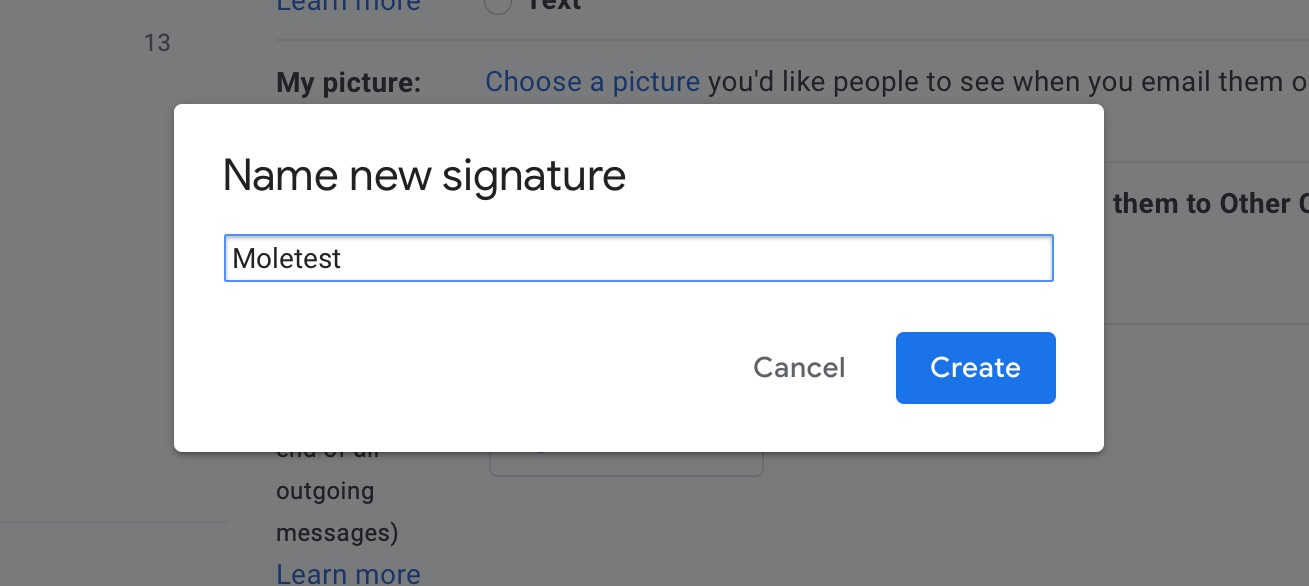
Step 5. Give your new signature a name eg "Moletest":
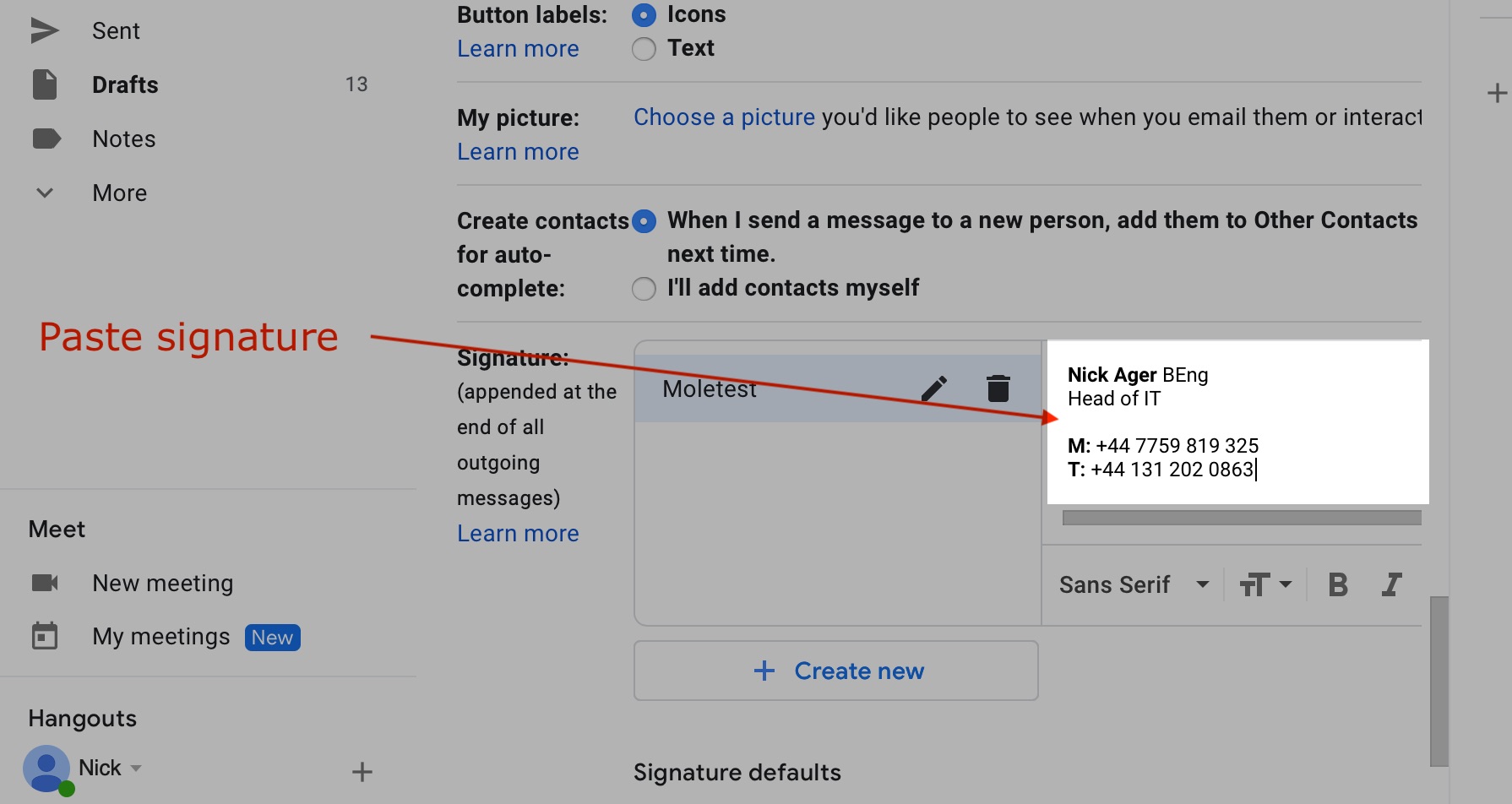
Step 6. Paste your the signature you copied in step 2:
Step 7. Don't forget to save changes; I often do: